
Screenshots
App details
- Updated
- Jun 20, 2025
- Language
- Afrikaans 48 moreLanguagesAfrikaansAmhar...
- Developer
- iXsystems, Inc.
- Category
- Mobile
SoftPas in:
This product is also available in the following languages:
About TrueNAS
Download TrueNAS – NAS, storage, OpenZFS, media server, file sharing, data backup, ZFS, network storage, secure storage, home server, backup tool, data protection, file management, self-repairing file system
Overview
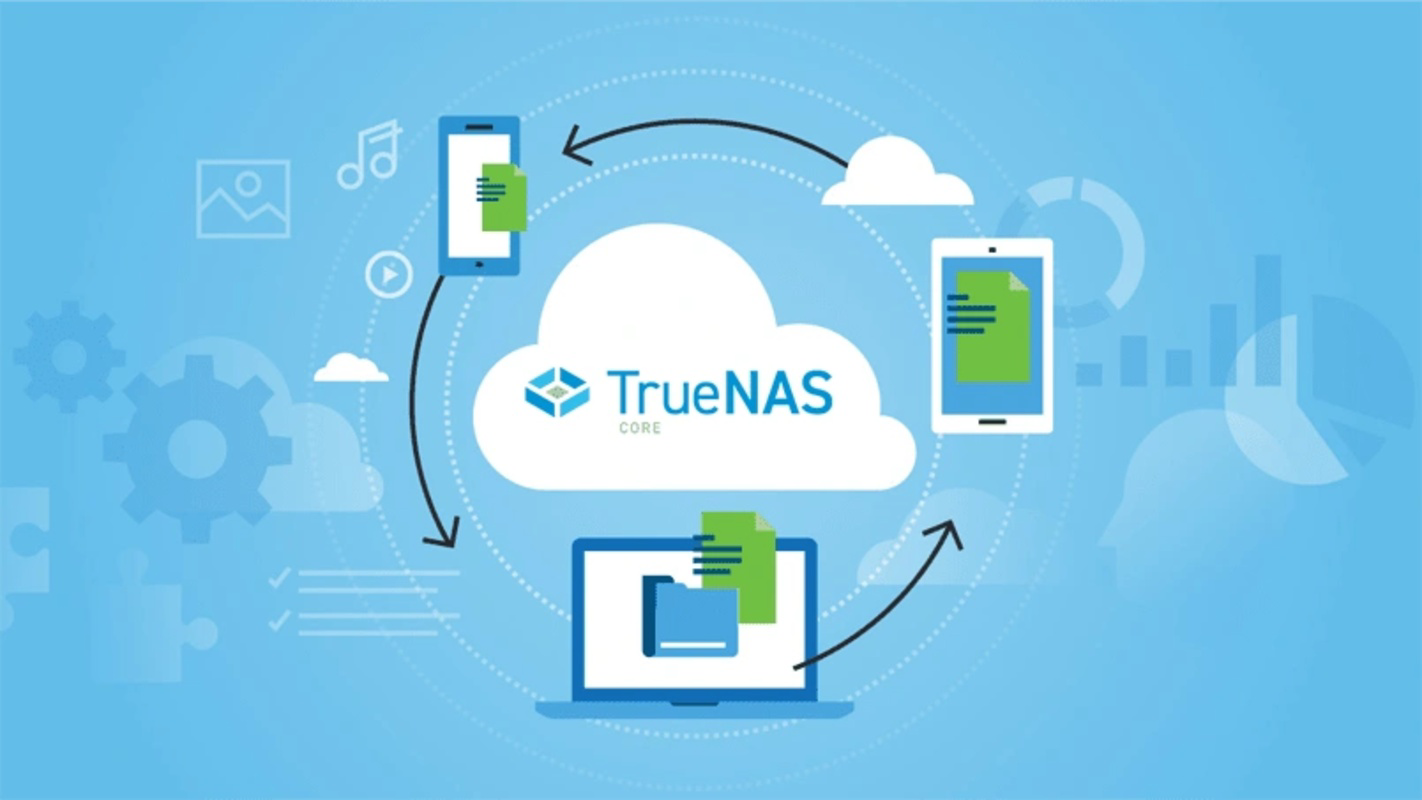
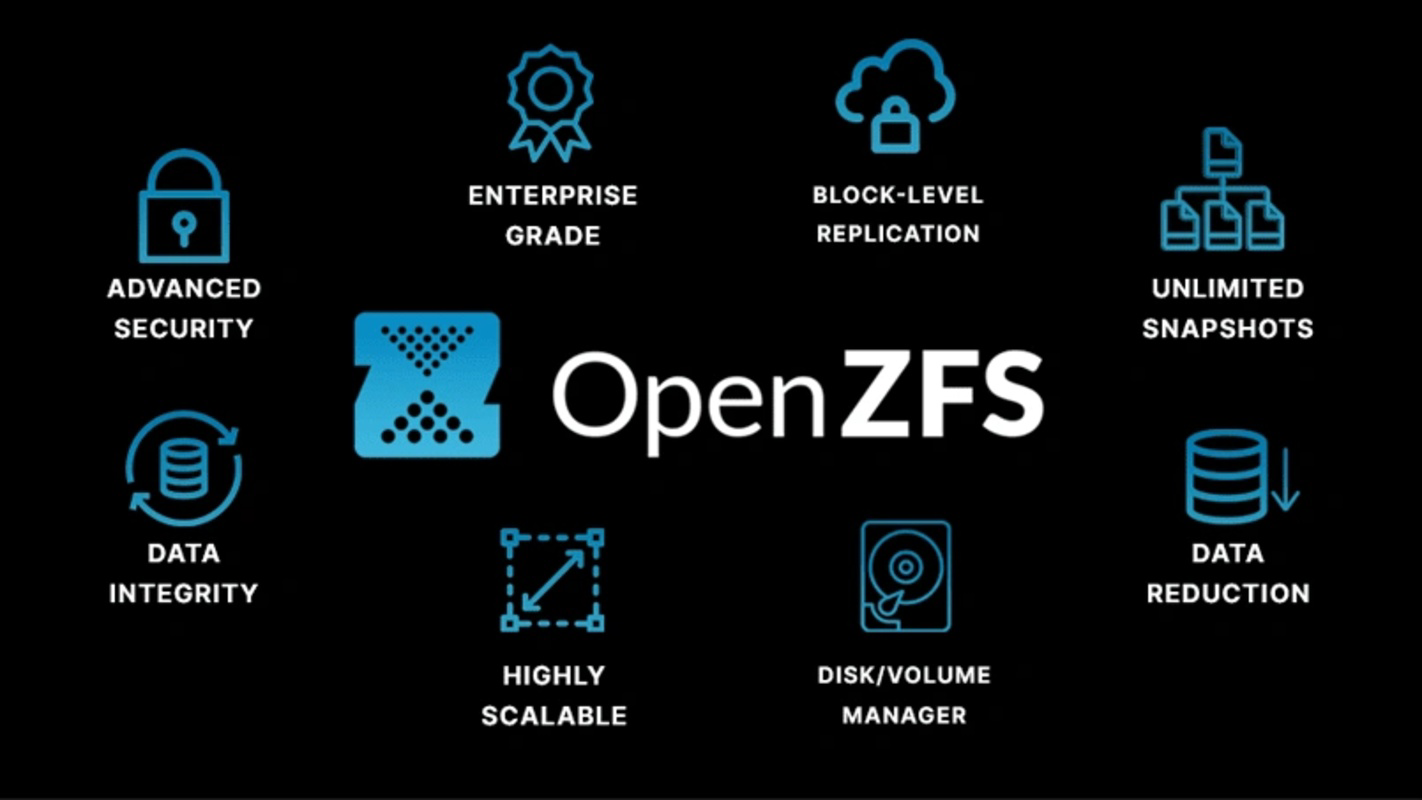
TrueNAS, formerly known as FreeNAS, is a robust software solution designed to empower users with the ability to build and manage their own network-attached storage (NAS) systems. Originally developed as a free tool for home and small office environments, TrueNAS enables individuals and organizations to create secure, scalable, and reliable storage infrastructures using standard hardware. The application is particularly useful for users seeking centralized file storage, media streaming, automated backups, and data protection without relying on third-party cloud services. Its foundation in OpenZFS technology ensures that stored data remains resilient against corruption, with automatic self-repair capabilities that maintain file integrity over time.
TrueNAS is ideal for tech-savvy users, home media enthusiasts, and small business administrators who require a high degree of control over their data. It supports integration with popular applications such as Plex Media Server and Syncthing, allowing users to unify media management and file synchronization within a single interface. While the developer did not provide additional technical details about user demographics or deployment scenarios, the app's design suggests it is tailored for users with intermediate to advanced technical knowledge who are willing to invest time in setup and configuration. In the broader app ecosystem, TrueNAS fills a critical niche by offering a free, open-source alternative to commercial NAS platforms, promoting data sovereignty and long-term cost efficiency.
Key Features & Functionality
- OpenZFS Technology: Built on OpenZFS, TrueNAS leverages a self-repairing file system that automatically detects and corrects data corruption. This feature significantly enhances data integrity and reliability, especially in long-term storage environments.
- Seamless Application Integration: TrueNAS supports integration with media and synchronization tools like Plex Media Server and Syncthing, enabling users to manage storage, media streaming, and file sharing from one centralized dashboard.
- User-Friendly Interface: Despite its advanced capabilities, TrueNAS features a guided setup process and clear navigation menus, making it accessible to users with varying levels of technical experience.
- Advanced Data Protection: The platform includes multiple layers of security, including access controls, encryption options, and backup mechanisms to safeguard data from unauthorized access and system failures.
- Comprehensive Documentation: Users have access to detailed guides and technical resources that support setup, troubleshooting, and the implementation of advanced configurations.
For example, a home user can deploy TrueNAS as a central media server, stream content via Plex, and automatically back up photos and documents from multiple devices. A small business might use it to store client files securely, enforce user permissions, and schedule regular backups to prevent data loss. The guided setup simplifies initial configuration, while the integration capabilities reduce the need for multiple standalone tools.
Interface, UX & Performance
TrueNAS features a clean, modern web-based interface that emphasizes clarity and functionality. The layout is organized into logical sections, with intuitive navigation that allows users to access storage pools, datasets, user accounts, and services with minimal effort. Visual cues and step-by-step wizards assist users during setup and configuration, reducing the learning curve for new adopters.
Although the developer did not list formal performance metrics, the application is designed to operate efficiently on systems with adequate processing power and memory. Users can expect responsive behavior during routine operations such as file transfers, user management, and service configuration. The interface remains stable under normal workloads, and there are no reported issues with crashes or freezes in standard deployment scenarios. Responsiveness may vary depending on hardware specifications, but the software is optimized to run on mid-range to high-end systems.
Performance on mobile devices is not applicable, as TrueNAS is designed for desktop and server environments. However, the web interface ensures consistent access across different screen sizes and devices when used remotely. Stability is maintained through regular updates and community-driven improvements, ensuring long-term usability.
Platform Compatibility & Technical Requirements
TrueNAS is available for Windows, making it accessible to users on one of the most widely used operating systems. The current version is 13.0-U2, with a file size of 2.5 GB. This indicates that the application requires a significant amount of disk space for installation and operation, which may affect users with limited storage capacity.
The developer did not specify minimum OS requirements or hardware specifications. As such, compatibility with specific Windows versions or system configurations remains unclear. Users should ensure their system meets general standards for running server-grade software, including sufficient RAM, a multi-core processor, and a stable network connection. The lack of detailed technical requirements suggests that deployment may require user discretion and testing.
Pros and Cons
Pros
- Free to download and use, eliminating licensing costs
- Powered by OpenZFS for advanced data integrity and self-repairing capabilities
- Supports integration with popular tools like Plex and Syncthing
- Comprehensive documentation for setup and troubleshooting
- Scalable architecture suitable for home and small business use
Cons
- Large file size (2.5 GB) may be a concern for low-storage systems
- No detailed technical requirements provided by the developer
- Requires intermediate to advanced technical knowledge for optimal setup
- Not optimized for mobile devices or touch-based interfaces
- Web interface may require a stable network connection for remote access
FAQ
Is TrueNAS safe to use?
Yes, TrueNAS is considered secure when properly configured. It includes access controls, encryption options, and data protection features to prevent unauthorized access and data loss.
Can I use TrueNAS on a smartphone?
TrueNAS is designed for desktop and server environments. While you can access its web interface remotely via a smartphone browser, it is not a native mobile app and does not offer dedicated mobile functionality.
Does TrueNAS support automatic backups?
Yes, TrueNAS includes built-in backup and recovery tools that allow users to schedule regular backups and restore data when needed.
Is TrueNAS compatible with all versions of Windows?
The developer did not specify compatibility with specific Windows versions. Users should verify system requirements based on their hardware and software environment.
How often does TrueNAS receive updates?
TrueNAS receives regular updates to improve performance, security, and feature support. The current version is 13.0-U2, indicating active development and maintenance.
Final Thoughts + CTA
TrueNAS stands out as a powerful, free solution for users seeking full control over their data storage infrastructure. With its foundation in OpenZFS, seamless integration with media and sync tools, and robust data protection features, it offers a compelling alternative to commercial NAS platforms. While it requires a certain level of technical understanding and sufficient hardware resources, the benefits in terms of security, scalability, and cost-efficiency are substantial. The availability of detailed documentation and a strong community support network further enhances its value.
Whether you're building a home media server, managing business files, or setting up a secure backup system, TrueNAS delivers the tools needed to succeed. Its open-source nature ensures transparency and long-term viability. For users committed to data sovereignty and self-hosted solutions, TrueNAS is an essential tool.
Download TrueNAS now
Guides & Tutorials
How to install TrueNAS
- Click the Download button above.
- Once redirected, accept the terms and click Install.
- Wait for the TrueNAS download to finish on your device.
How to use TrueNAS
This software is primarily used for its core features described above. Open the app after installation to explore its capabilities.
User Reviews
No reviews yet. Be the first to share your experience.
You may also like
more
Que no te pillen¡
About !Que no te pillen¡Reviewed by Jason A. BilbreyShow MoreShow Less

3D Combat Zone
About 3D Combat ZoneOriginally released in 1983, 3D Combat Zone immerses players...

666: El día del portal
About 666: El día del portalOn June 6, 2006, Agent P. Stone uncovers a sinister...

80 in 1 Best Flash games
About 80 in 1 Best Flash games 80 in 1 Best Flash games is a collection of 80 fl...

ABYSS SEEKERーーWhat Do You See Deep in The Abyss
About ABYSS SEEKERーーWhat Do You See Deep in The AbyssIn ABYSS SEEKER, players...

ACA NEOGEO THE KING OF FIGHTERS 2002 for Windows
About ACA NEOGEO THE KING OF FIGHTERS 2002 for WindowsTHE KING OF FIGHTERS 2002,...